Vehicle Shipment Photo Report: A VIN-Based Handover Template
A useful vehicle shipment photo report lets a buyer answer three questions: which vehicle is shown, what condition was recorded, and which unresolved items remain at handover. A folder of attractive vehicle pictures cannot answer those questions reliably. For a batch of commercial vehicles, use one VIN-based index, preserve the original images and connect each exception to a dated follow-up record.
This guide provides a suggested report structure for importers and distributors receiving cargo vans, minibuses and light trucks. It complements a physical inspection; it is not a completed inspection certificate, a transport-damage determination or a substitute for destination-market approval.
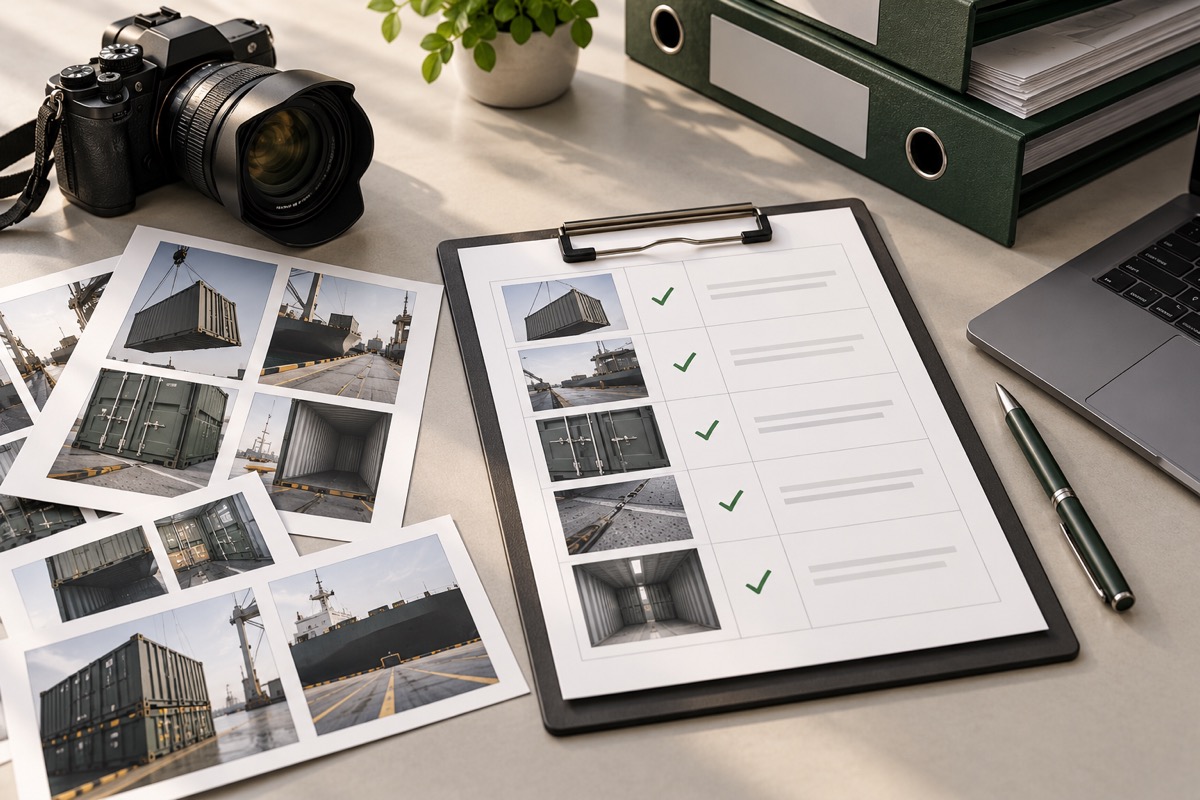
Cover image: AI-generated conceptual illustration of shipment evidence organization; not a record of an actual KAMA shipment.
Keep the photo report separate from the inspection checklist
The commercial vehicle pre-shipment inspection checklist explains what to inspect. A photo report explains where the evidence is stored and how it can be traced to an individual vehicle. Agree the required evidence with the supplier and inspector before photography starts, including any areas that must be recorded before they become inaccessible.
For a batch order, give each vehicle its own folder linked to the complete VIN in a controlled master register. A short unit reference can help everyday navigation, but it must map unambiguously to that register. Do not rely on colour, parking position or the last few VIN characters as the only identifier.
A practical photo-index template
Use one row per evidence item. Keep the original filename or a stable reference to it when producing annotated copies. The following fields form a suggested working template, rather than a mandatory regulatory format.
| Field | What to record | Why it matters |
|---|---|---|
| Unit reference / VIN | Unit reference linked to the complete VIN register | Identifies the individual vehicle |
| Configuration revision | The agreed specification revision used for this check | Avoids checking against an outdated catalogue |
| Stage and capture time | Before loading, loading or arrival; date, local time and time zone | Separates observations made at different stages |
| Evidence reference | Original image filename, folder and inspection-point reference | Makes the original evidence retrievable |
| Observation / limitation | What is visible, unclear or not accessible | Prevents a photograph from being treated as proof of an untested function |
| Exception link | Related issue reference, or a clear indication that no exception was recorded for this item | Connects the image to follow-up work |
| Reviewer and disposition | Named reviewer, review date and accepted / action required / awaiting clarification | Distinguishes image capture from buyer acceptance |
Use filenames that survive a batch handover
A suggested pattern is UNIT-REF_STAGE_VIEW_DATE_SEQUENCE. For example, UNIT-A_PRELOAD_LEFTSIDE_YYYYMMDD_01.jpg describes the role of an image without putting a customer's details into its filename. These labels are examples, not actual shipment records.
Keep front, rear and side views together with identification evidence. Record the ordered cargo-body layout for a cargo vehicle and the agreed seating layout for a passenger vehicle. A body photograph does not prove the installed battery capacity, rated payload or roadworthiness. If a check needs a measurement or functional test, link the corresponding record and state the test conditions rather than inferring a result from appearance.
Separate unit evidence from loading evidence
A unit folder follows one vehicle. A loading folder follows the agreed shipment allocation. Use a loading register to connect the vehicle reference to the container or transport reference and its recorded loading position. Include the relevant pre-loading views, accessory-packing records and final loading images where the agreed procedure permits.
When accessories travel inside a vehicle, identify the package and its location in the packing record. Do not place loose parts where they could interfere with safe operation. The container-loading planning guide covers the separate planning questions. A photo index does not itself validate securing arrangements or carrier acceptance.
Add an exception log without overwriting the first observation
When an image reveals a missing accessory, unreadable identifier or visible difference, retain the original observation. Add the correction and recheck evidence as new entries. An inspector's upload, a supplier's response and the buyer's acceptance are three different events.
| Issue reference | Expected / observed | Action and owner | Follow-up evidence | Decision |
|---|---|---|---|---|
| EXAMPLE-A, linked to a unit reference | Agreed accessory listed; presence not clear in the first image | Request a readable packing image; assign responsible contact | New image reference and recheck date; keep the first image | Awaiting evidence until the designated reviewer records a decision |
Agree who can approve release and which unresolved items must be closed before loading. Do not silently change an issue to accepted because a replacement image was uploaded. If the buyer agrees to a documented deviation, preserve the relevant approval and configuration revision in the private project file.
Compare departure and arrival records carefully
Ask the receiving team to record the vehicle identity and comparable views before they disperse the handover evidence. If a difference is found, preserve originals, record what was observed and notify the appropriate project or transport contact through the agreed process. Photos from different angles, lighting or dates may not establish when a condition arose. Follow the applicable transport and contractual notification requirements; this template does not establish liability or extend a claims deadline.
What belongs in the final handover package?
A dated master vehicle register and agreed specification revision.
The photo index with working references to original files.
The relevant loading allocation and accessory-packing record.
An exception log that keeps unresolved items visible.
A handover record identifying the sender, recipient, package revision and acknowledged receipt.
Receipt of a file package should not automatically be labelled technical acceptance. State separately whether the recipient only received the files or also reviewed the vehicle evidence. Keep VIN registers, customer documents and internal correspondence in access-controlled project storage, rather than publishing them on a product page.
Prepare the evidence scope before the order ships
For an ES6 cargo van or ESP7 passenger-vehicle enquiry, describe the destination, intended use, batch size and evidence your receiving team needs. Review the ES6 configuration and export checks or ESP7 configuration information, then confirm the exact supplied version separately.
Tell us your vehicle configuration, shipment stage and required handover records through our contact page. We can discuss the evidence scope for your project before the inspection and loading plan is agreed.